You haven't signed in yet, you can have a better experience after signing in
*Please complete the payment within {{receiveCouponInfo.expire_at}}Previous use*
You haven't signed in yet, you can have a better experience after signing in



Activity Rules
1、Activity time:{{ info.groupon.start_at }} ~ {{ info.groupon.end_at }}。
1、Activity time:cease when sold out。
2、Validity period of the Group Buying:{{ info.groupon.expire_days * 24 }} hours。
3、Number of Group Buying:{{ info.groupon.need_count }}x。
Please Pay Attention
1、Teamwork process: Join/initiate a Group Buying and make a successful payment - Within the validity period, the number of team members meets the activity requirements - Group Buying succeeded!
2、If the number of participants cannot be met within the valid period, the group will fail, and the paid amount will be refunded in the original way.
3、The number of people required and the time of the event may vary among different products. Please pay attention to the rules of the event.
FlowUs
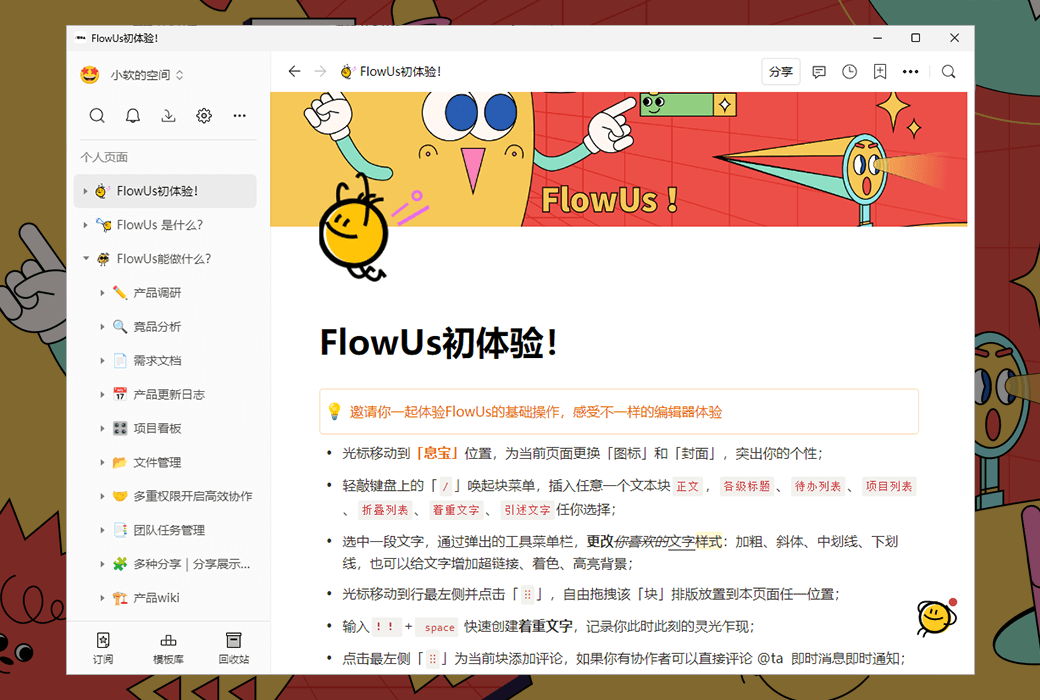
New generation knowledge management and collaboration platform
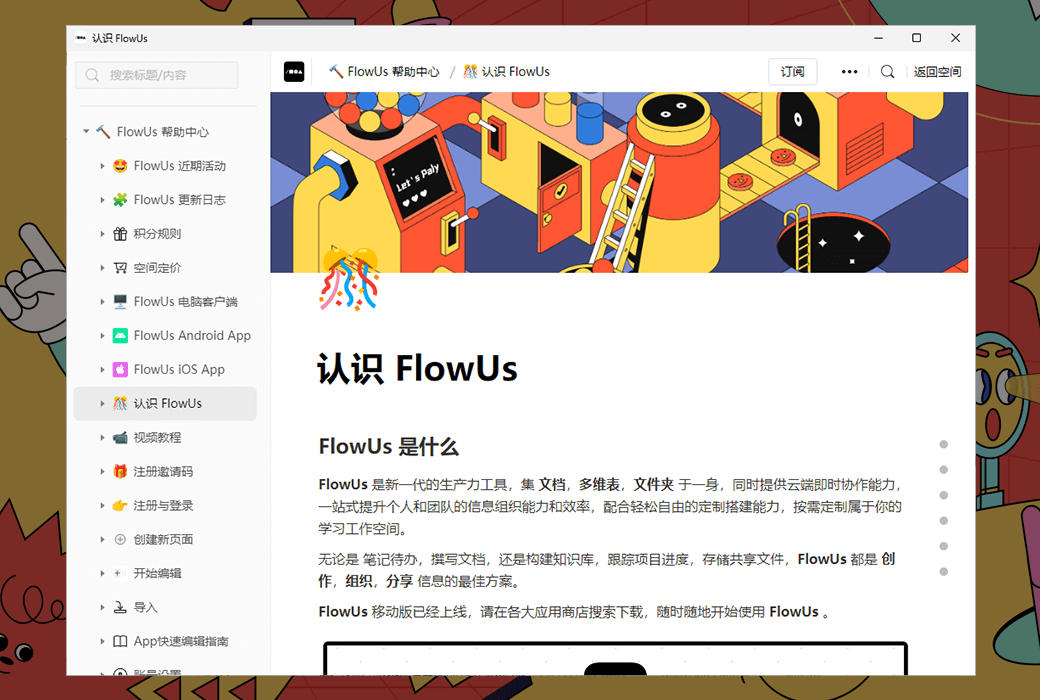
Using cloud based notes as a carrier, combined with various forms of functions such as online documents, knowledge bases, and folders, we provide a one-stop work center for digital information management and collaboration for individuals and teams.
Cloud document:
Farewell to fragmented management
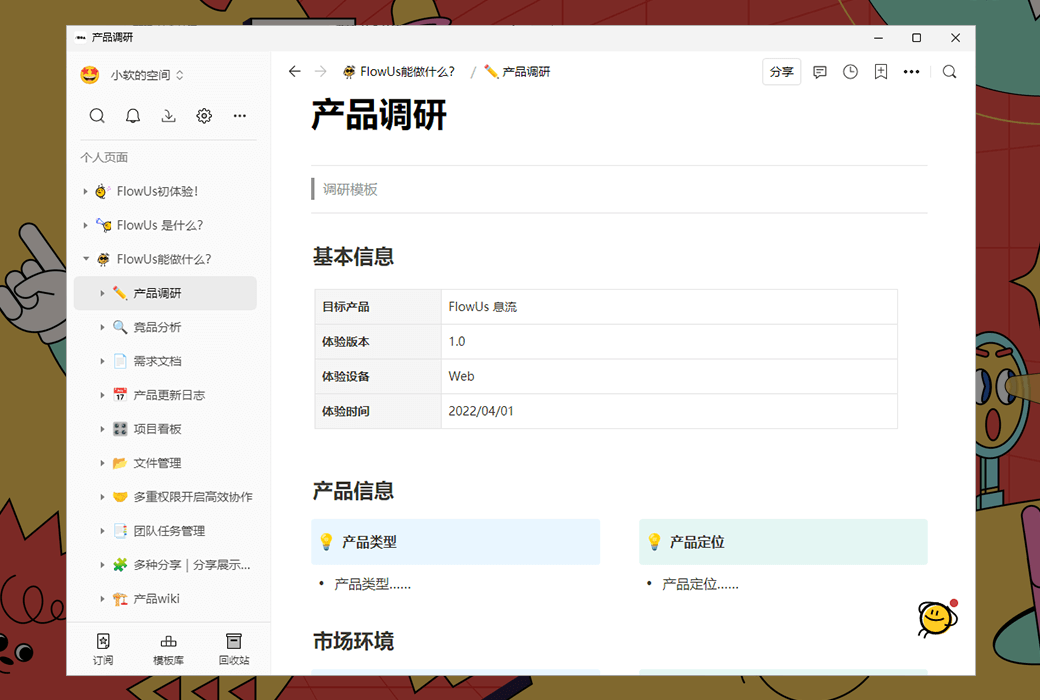
One click insertion of text, tables, code, audio and video, web content, and support for embedding third-party services to meet multi scenario creative needs.
Not only online documents, but also powerful creative and interactive tools.
Teamwork:
Building efficient workflows
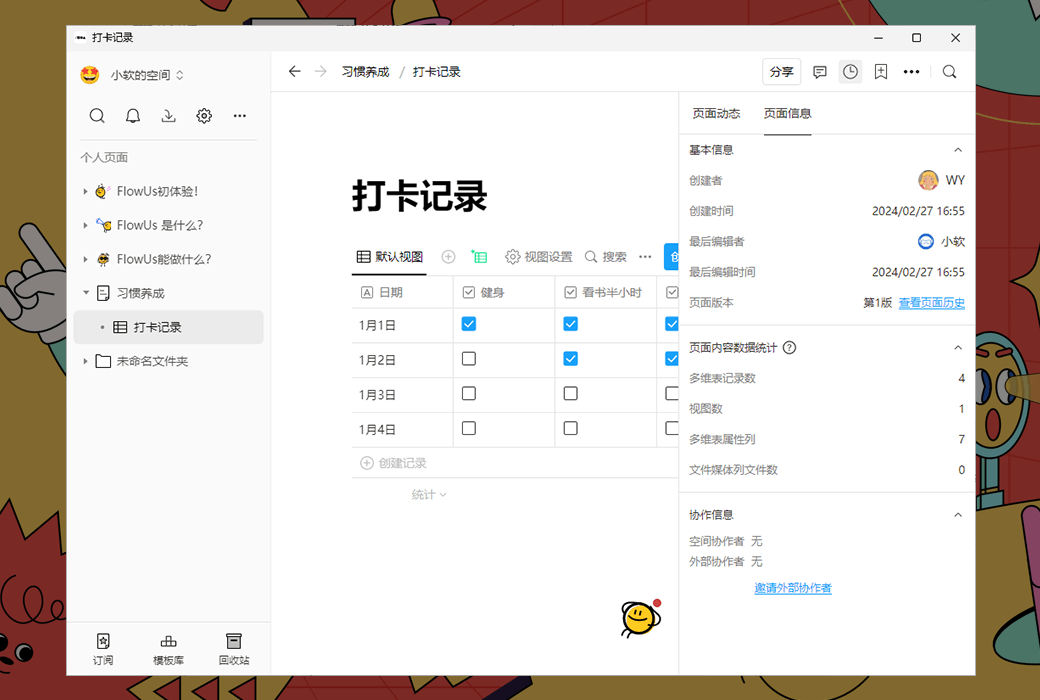
By building a team space, structuring and managing workflows, and enabling real-time collaborative interaction among multiple people and terminals, we aim to build our own one-stop work center for the enterprise.
Multidimensional table:
Make the information move
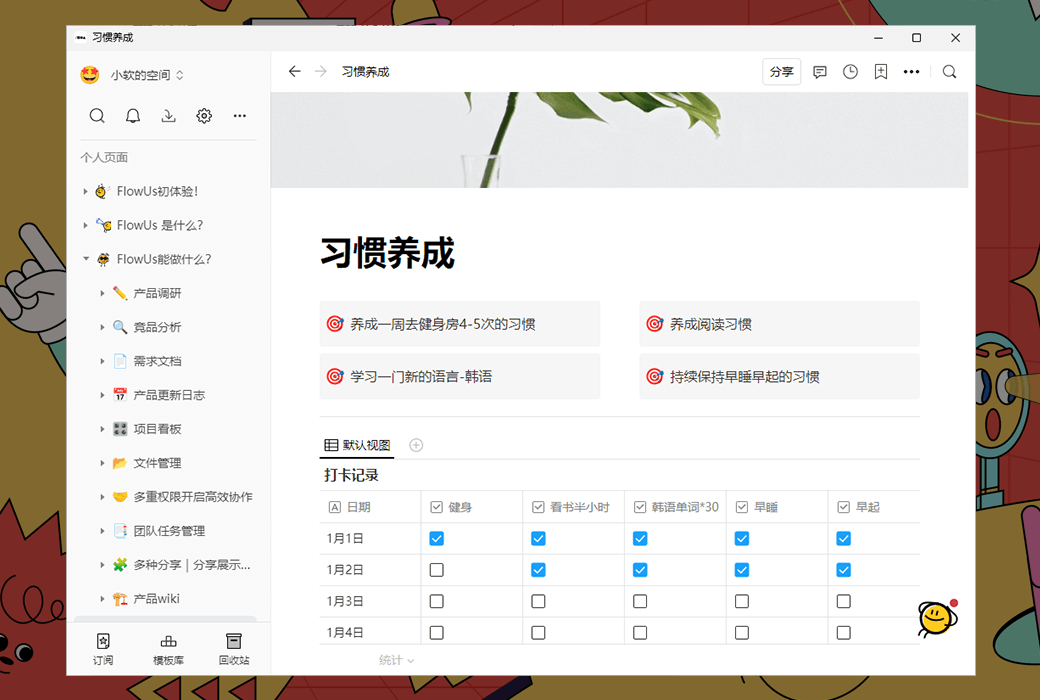
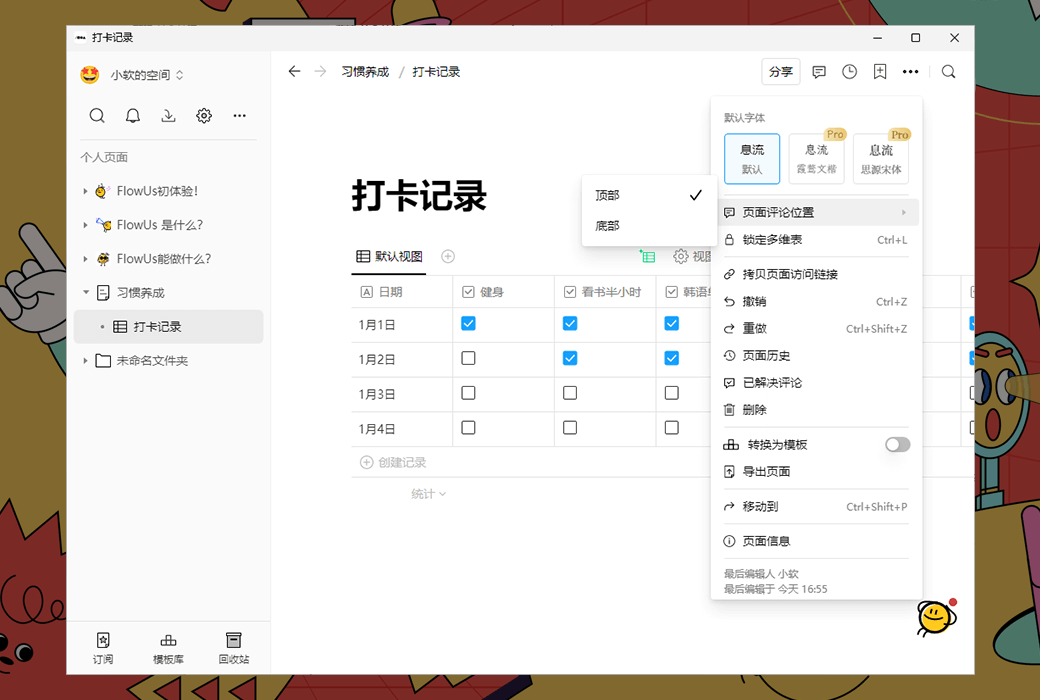
Integrating online collaboration, information management, and visualization capabilities within traditional data management tables, allowing for one click switching of multiple views and the freedom to build personalized and lightweight business management systems.
Folder:
Thousands of resources within reach
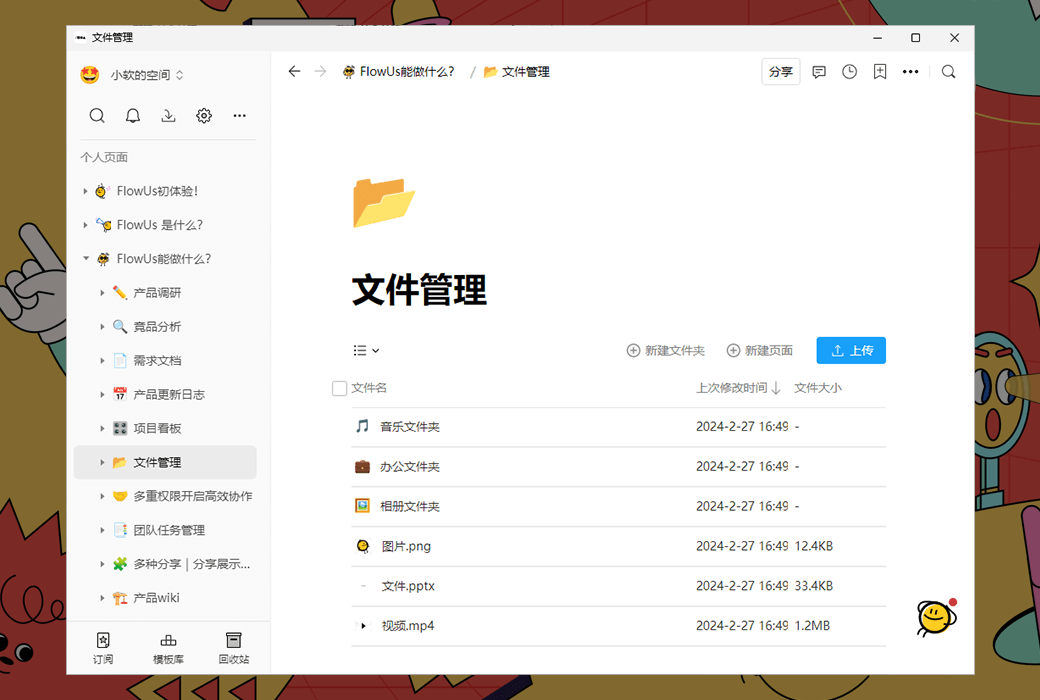
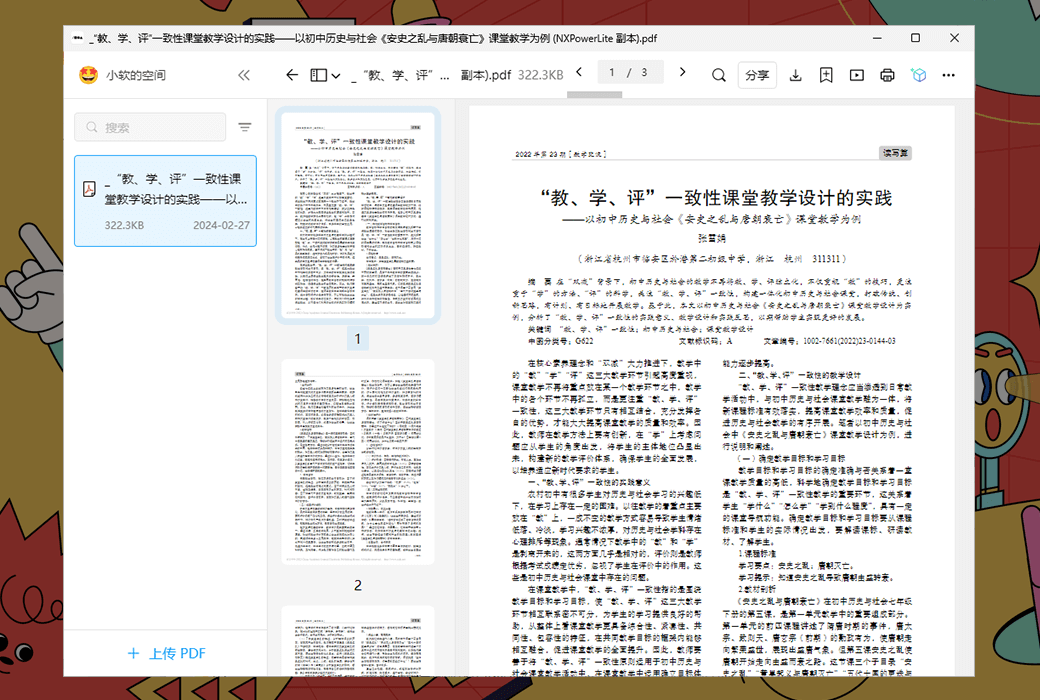
Support high-speed upload, download, and preview of multi format files, and view, edit, share, and collaborate anytime, anywhere through computers and mobile phones.
Quick migration, easy to get started with
Quick migration, supporting fast migration, importing local files in various formats such as CSV and Markdown.
Powerful data migration capability, zero cost opening up new knowledge management experiences.
Embedded web pages, seamless aggregation
No additional click to jump, use links to aggregate all workflows into FlowUs.
官方网站:https://flowus.cn/
发货时间:24 小时自动发货
运行平台:Windows、macOS、iOS、Android
界面语言:支持中文界面显示。
更新说明:有效期内使用和更新。
买前试用:购前可免费试用。
如何收货:购买后,激活信息会以邮件的形式发送到下单时的邮箱,同时可在个人中心,我的订单中查看对应的产品激活码。
设备数量:不限安装与激活设备,会员资格跟随账户。
更换电脑:原设备卸载,新设备登录帐号激活。
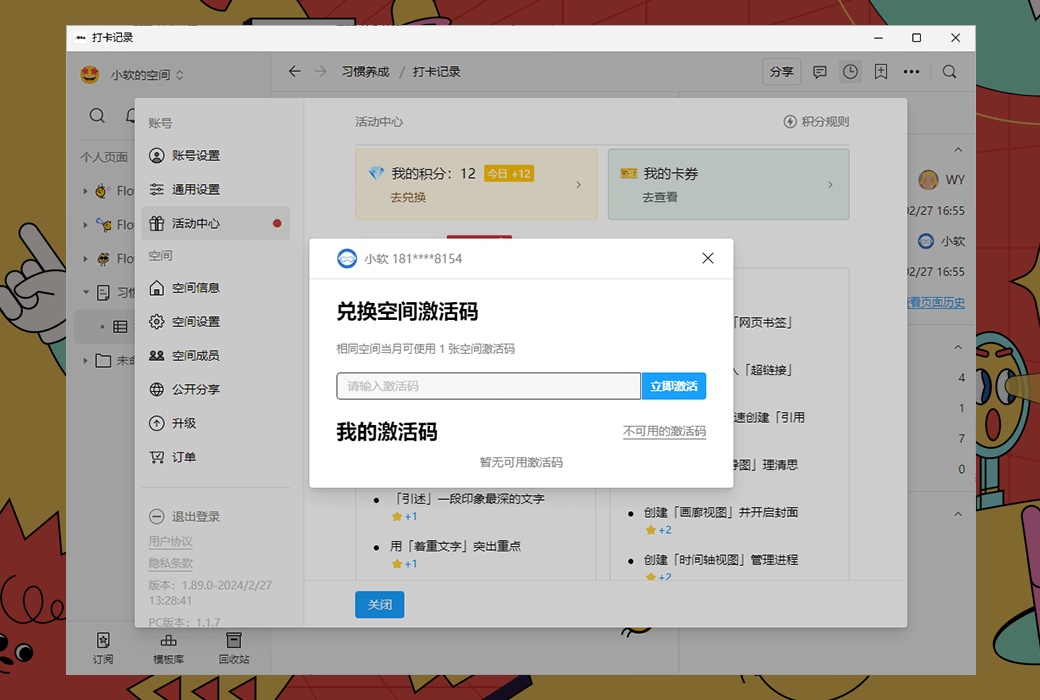
激活引导:打开 FlowUs 息流并登录帐号,来到个人空间,点击“齿轮”图标进入设置,点击“活动中心”-- “我的卡券”,然后按照提示复制粘贴购买的注册码进行激活。
特殊说明:待添加。

Any question

Create a new page
Create Page
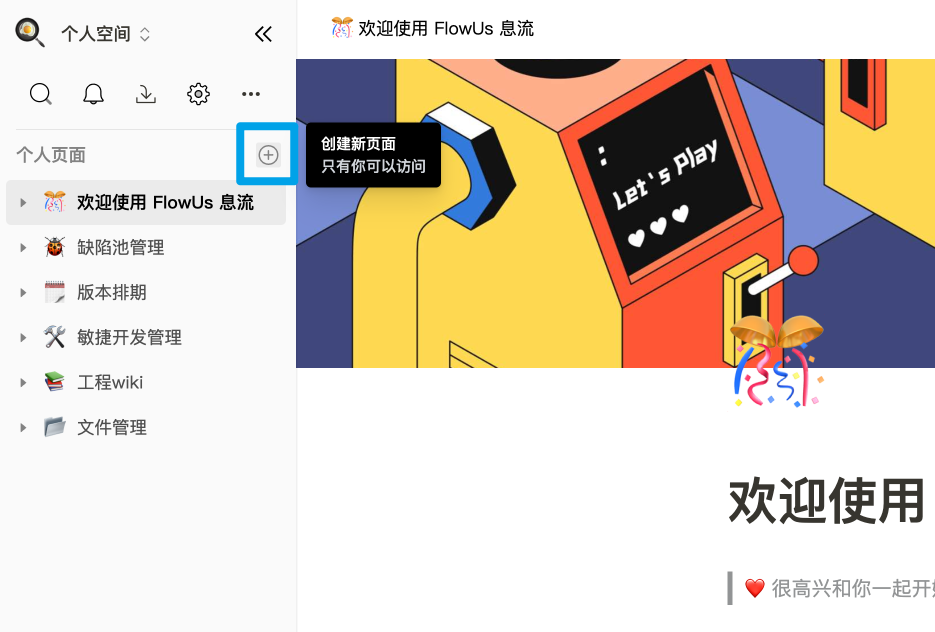
Click on the "+" icon on the right side of the "Space Page" in the left directory tree to create a new page
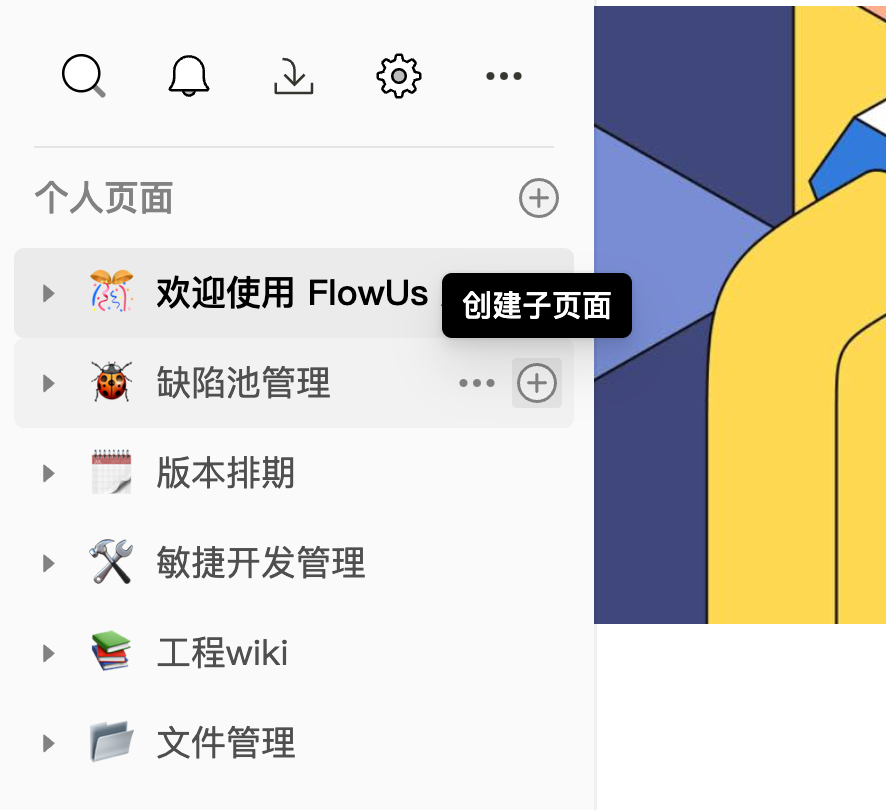
Click on the+icon to the right of each page title on the left directory tree to create a new subpage within that page.
When editing a page, enter/ym or/page and select "Page" from the shortcut command menu to quickly create a new subpage at the current location.
All text blocks in the 4 pages can be converted into pages.
By clicking on the ⋮⋮ icon in front of the block, selecting "Convert to" from the pop-up menu, and selecting "Page" from the secondary menu, the current block can be converted to a page.
Select page type
After creating a new page, the page will prompt you to select the "page type" you need to use.
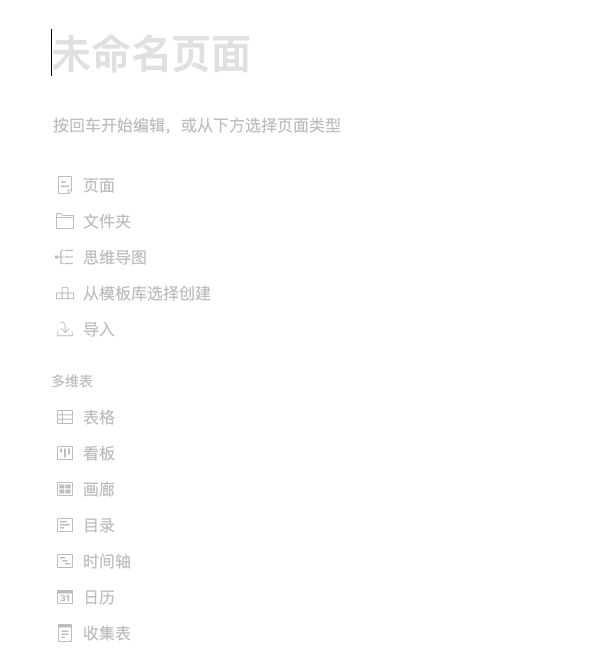
New Page - Default Options
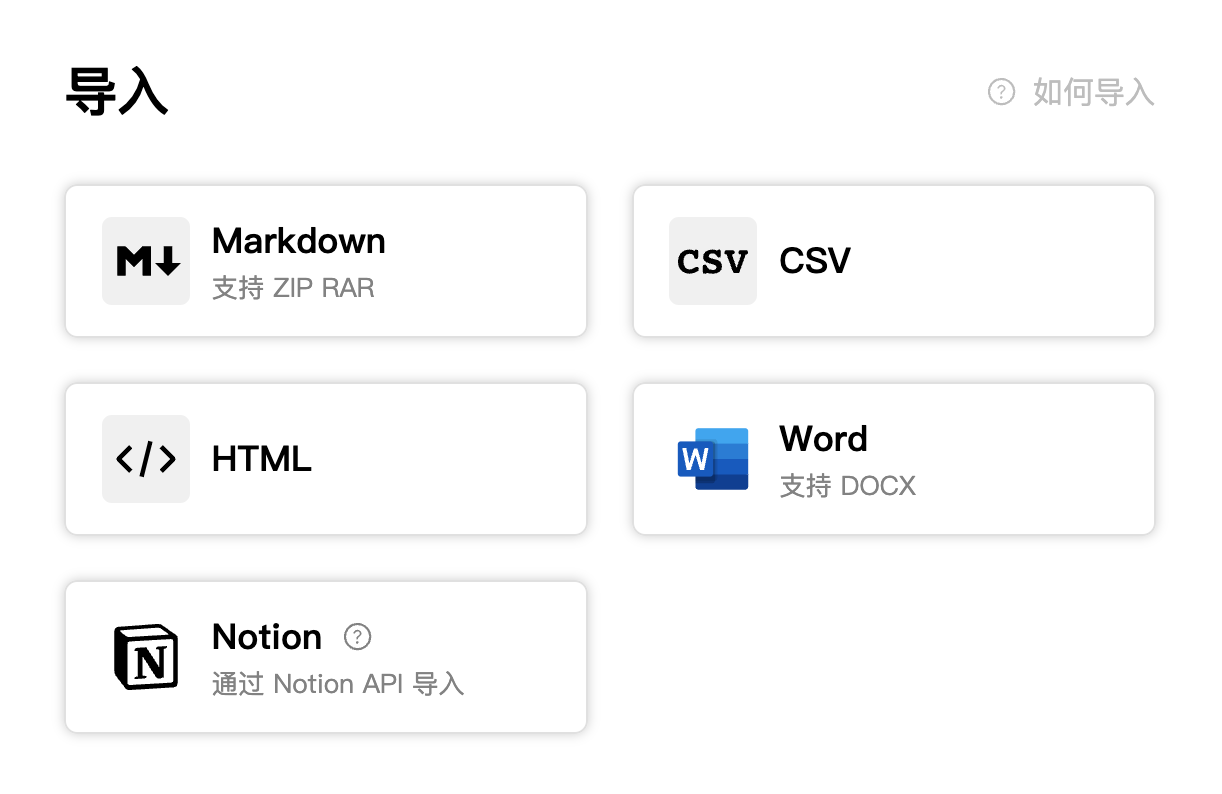
import
If you are another note taking user and want to migrate to FlowUs, you can choose existing notes or documents.
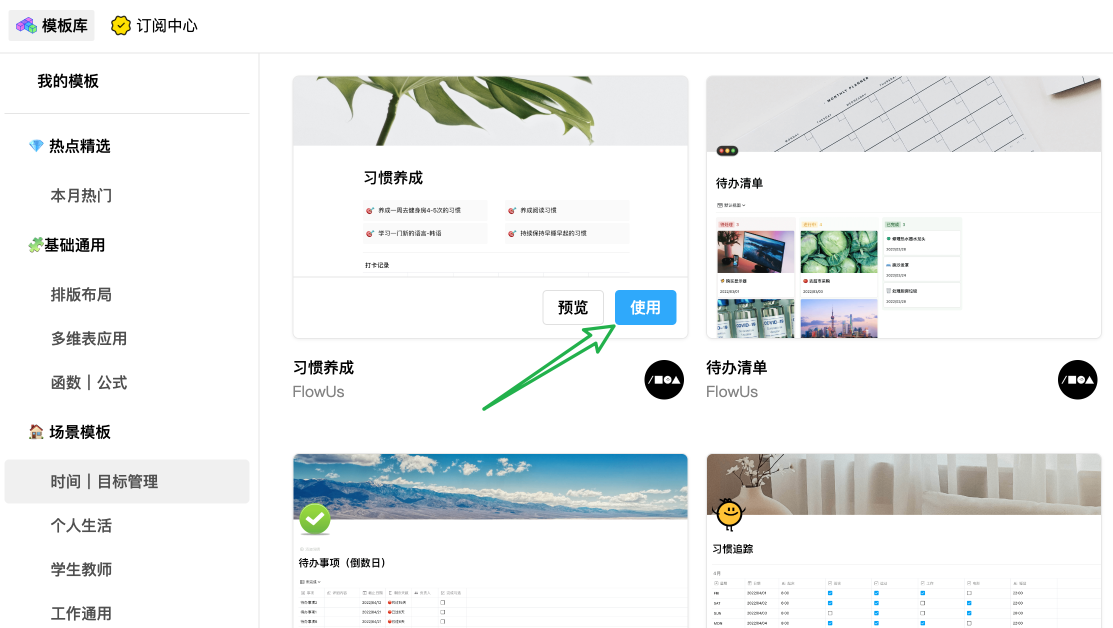
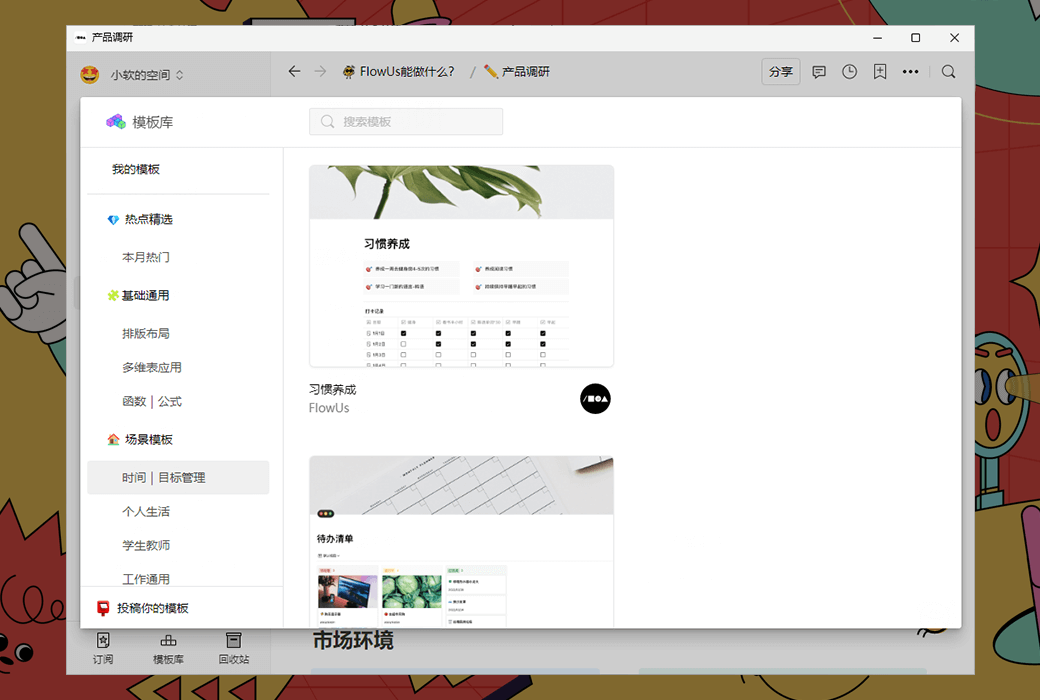
Template Library
If you are a novice and want to refer to official or other built pages, you can enter the "Template Library" to view and copy.